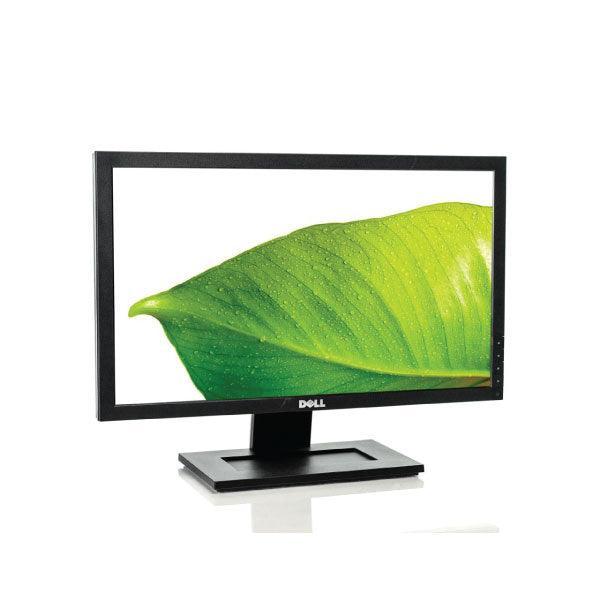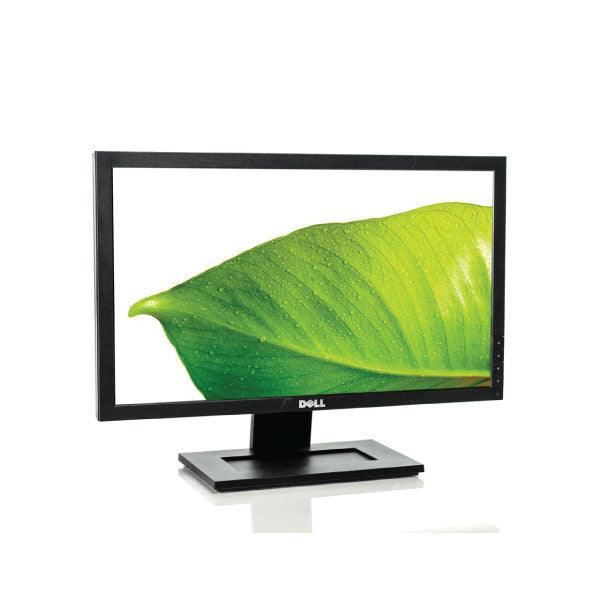
Dell Professional P2214H IPS 21.5" 1920x1080 8ms 16:9 VGA DP DVI USB | 1yr Wty
Certified Refurbished Dell P2214H 22-Inch Full HD Monitor
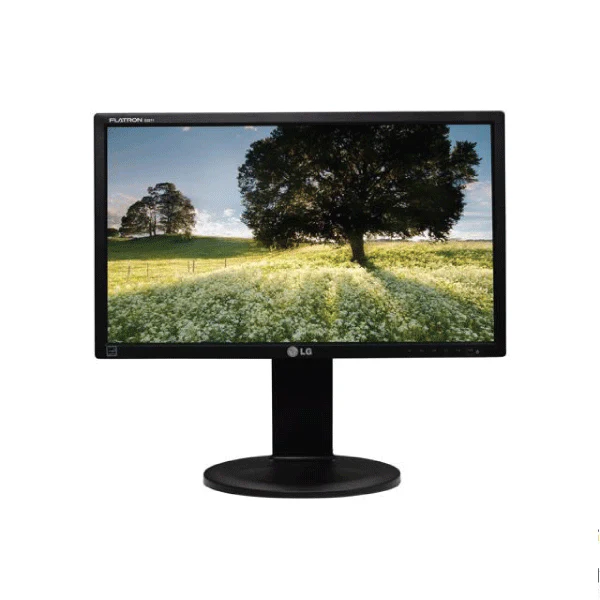
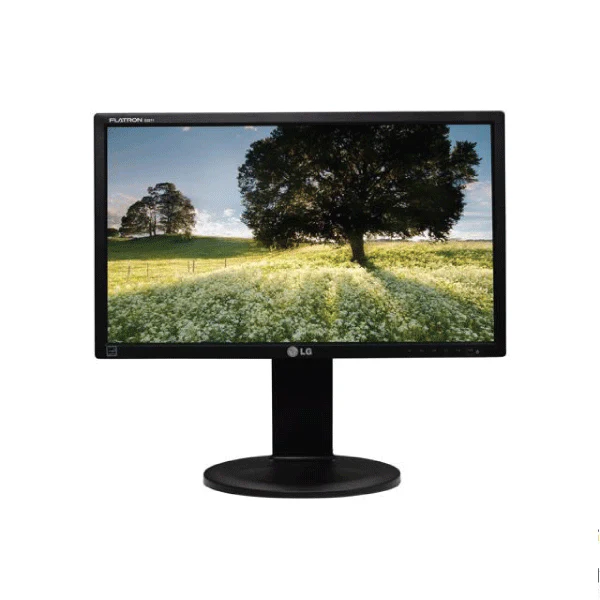
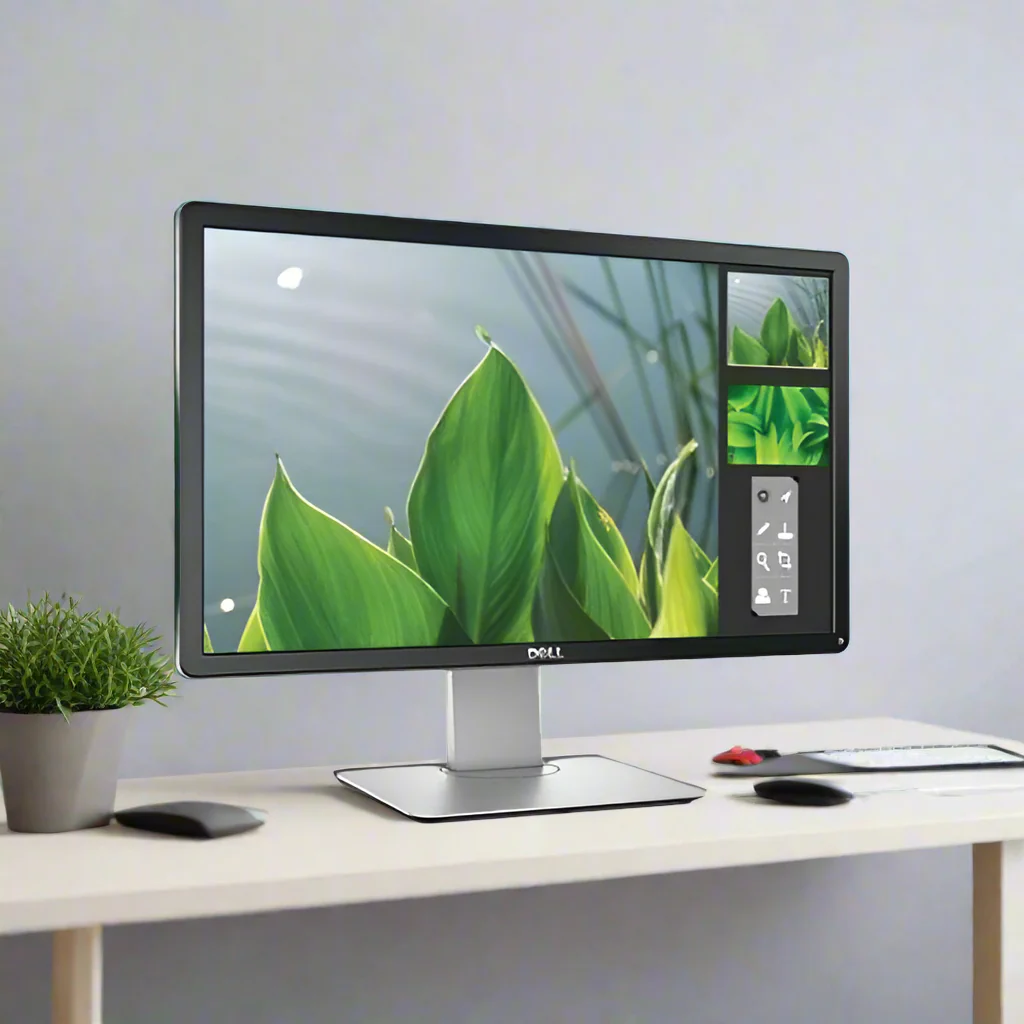
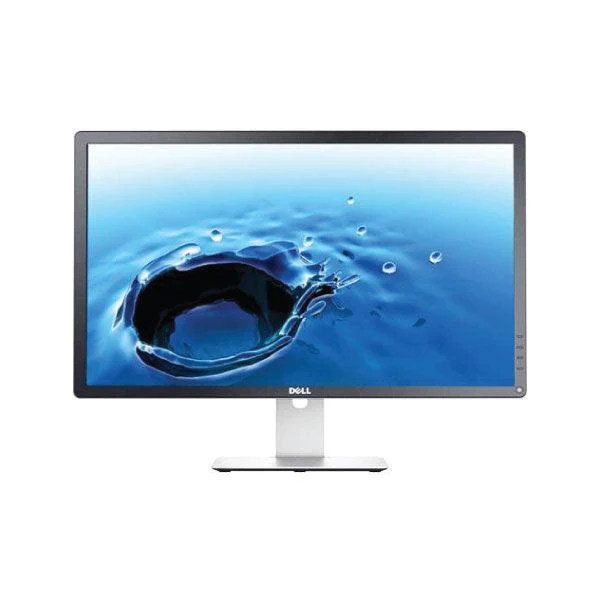
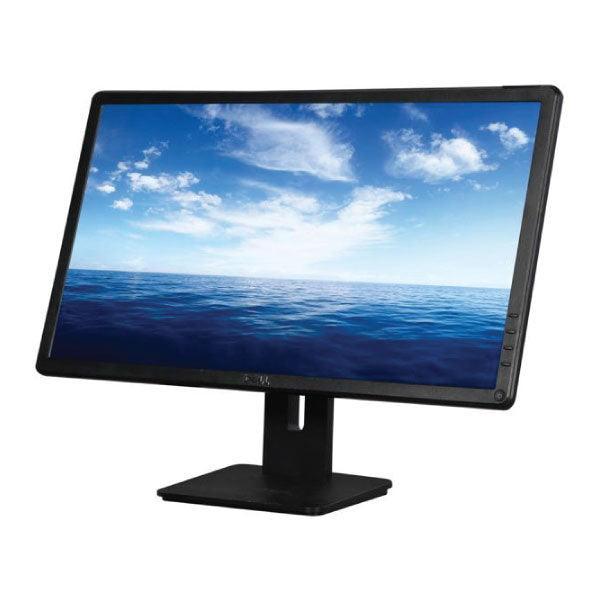
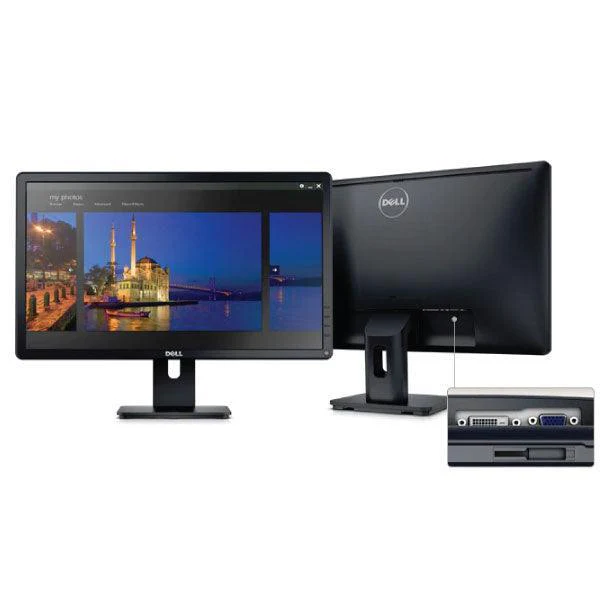
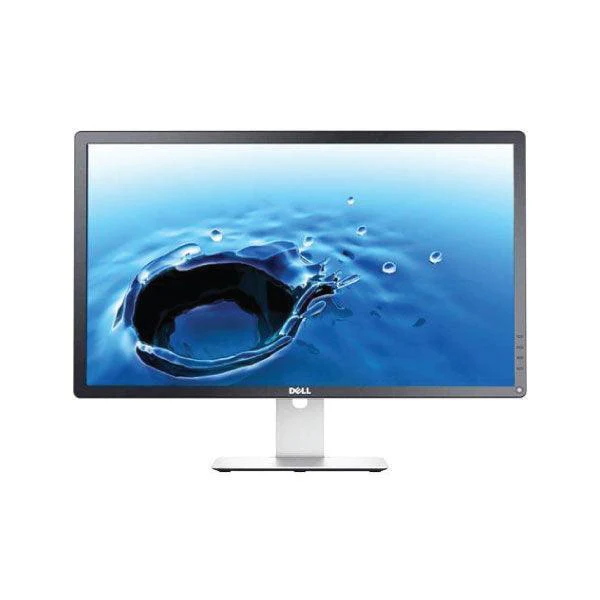
The Certified Refurbished Dell P2214H is a 22-inch (55.9cm) Full HD IPS monitor delivering a 1920×1080 resolution, 250 cd/m² brightness, and an 85% sRGB colour gamut — because accurate, consistent colour matters whether you're reviewing documents, running video calls, or managing spreadsheets across multiple windows. The fully adjustable stand tilts, swivels, pivots to portrait mode, and raises or lowers 130mm, which means you can dial in an ergonomic viewing position without an aftermarket arm. Connectivity covers VGA, DisplayPort, DVI-D, and a built-in USB 2.0 hub, so a desktop, laptop, and peripherals all connect without a separate hub. Tested February 2026, this professionally restored display remains fully capable for everyday productivity at a fraction of new monitor pricing.
Ideal For
- Home office and remote workers — run two browser windows, a video call, and a document side by side on a wide 22-inch workspace without constant tab-switching
- Students — keep research, lecture notes, and a writing application open simultaneously on a screen large enough to read comfortably for extended sessions
- Small business desktops and dual-monitor setups — pair with any PC or laptop dock as a secondary display; VESA mounting keeps desk space clear
Key Features & Benefits
- Full HD IPS Panel (1920×1080): Maintains accurate colour at viewing angles up to 178°, therefore shared screen reviews and side-by-side work look consistent without colour shift
- 4-Way Ergonomic Stand: Tilt (−5° to +21°), swivel (±45°), pivot to portrait (90°), and 130mm height adjustment — because a fixed-position screen causes neck fatigue over long sessions
- VESA 100×100mm Compatibility: Attach to any wall bracket or monitor arm, which means a cleaner desk and more flexible cable management
- Multi-Input Connectivity: VGA, DisplayPort, and DVI-D cover legacy and modern devices; the USB 2.0 hub adds three downstream ports for keyboards, mice, or drives without a separate hub
- Refurbished Eco Advantage: Choosing a reconditioned unit extends the product lifecycle and reduces e-waste — without compromising functionality
Common Questions
Can it support a dual-monitor setup?
Yes — with DisplayPort and DVI-D inputs, most modern PCs can drive two displays simultaneously. In our experience configuring multi-monitor workstations, the P2214H works well as a secondary screen alongside a larger primary display; the adjustable stand lets you match heights precisely.
How does a 2013-era monitor hold up in 2026?
For office productivity — documents, spreadsheets, video calls, and browser use — the 1080p IPS panel is fully capable. The 60Hz refresh rate is the main constraint: standard for office work, but not suited to fast-paced gaming. Because it was built for commercial environments, the internal components are rated for longer duty cycles than consumer-grade displays of the same era.
Is 85% sRGB enough for design work?
It's sufficient for presentations, social media review, and general document work. For colour-critical tasks like print design or photo retouching, a monitor with 99%+ sRGB or a wide-gamut panel would be more appropriate — this is one limitation worth knowing upfront.
Technical Specifications
At a Glance
- Type: 22-inch (55.9cm) Full HD IPS Monitor
- Resolution: 1920×1080 (Full HD, 16:9)
- Panel: IPS, 60Hz, 8ms response time (GTG)
- Brightness: 250 cd/m²
- Contrast Ratio: 1000:1 (static)
- Colour Gamut: 85% sRGB
- Connectivity: VGA, DisplayPort, DVI-D; USB 2.0 hub (1 upstream, 3 downstream)
- Ergonomics: Tilt −5° to +21°, swivel ±45°, pivot 90°, height 130mm
- VESA Mount: 100×100mm
- Best use: Office productivity, document work, video calls, multi-monitor setups
- Not recommended for: Colour-critical design work, high-refresh-rate gaming
Performance & Real-World Use
Our technicians put every Dell P2214H through a full display calibration, dead pixel scan, backlight uniformity check, and connectivity test across all input types. Because this model was designed for commercial office deployments, the IPS panel and stand mechanism are built for high daily-use cycles — in our testing across hundreds of units, the pivot and height-adjustment mechanisms remain firm with no looseness or drift. The integrated USB hub tested reliably across all three downstream ports, which matters when routing a keyboard, mouse, and USB drive through the one monitor.
Cosmetic Condition Guide
Excellent Grade (Grade A): Very minimal signs of previous use; frame and base free from scratches, cracks, or paint chips; screen surface with no visible marks, dead pixels, blemishes, or uneven light diffusion. Only minor scuffing on plastics consistent with light standard handling.
Good Grade (Grade B): Fully tested and fully functional; may include scratches on the frame or base, small paint chips, or a slightly loose base. Screen may show subtle blemishes or minor uneven light diffusion. Will not feature cracked screens, dead pixels, or white spots.
Verified Reboot Refurb Quality Assurance
Every unit is verified refurbished by Reboot IT through a detailed monitor-specific inspection. We tested all features and functions — including dead pixel detection, colour and brightness uniformity, OSD button operation, all video inputs (VGA, DisplayPort, DVI-D), USB hub functionality, and full stand ergonomics (tilt, swivel, pivot, height). As an expert in the industry since 2001, Reboot IT uses cutting-edge testing software and hands-on procedures to ensure this display meets our high standards before dispatch.
Warranty & Support
This certified refurbished product is sold by Reboot IT and includes a 1-year warranty for your complete peace of mind. With over 20 years of refurbishment expertise, Reboot IT stands behind every verified unit we sell.
Certified Refurbished Dell P2214H 22-Inch Full HD Monitor
The Certified Refurbished Dell P2214H is a 22-inch (55.9cm) Full HD IPS monitor delivering a 1920×1080 resolution, 250 cd/m² brightness, and an 85% sRGB colour gamut — because accurate, consistent colour matters whether you're reviewing documents, running video calls, or managing spreadsheets across multiple windows. The fully adjustable stand tilts, swivels, pivots to portrait mode, and raises or lowers 130mm, which means you can dial in an ergonomic viewing position without an aftermarket arm. Connectivity covers VGA, DisplayPort, DVI-D, and a built-in USB 2.0 hub, so a desktop, laptop, and peripherals all connect without a separate hub. Tested February 2026, this professionally restored display remains fully capable for everyday productivity at a fraction of new monitor pricing.
Ideal For
- Home office and remote workers — run two browser windows, a video call, and a document side by side on a wide 22-inch workspace without constant tab-switching
- Students — keep research, lecture notes, and a writing application open simultaneously on a screen large enough to read comfortably for extended sessions
- Small business desktops and dual-monitor setups — pair with any PC or laptop dock as a secondary display; VESA mounting keeps desk space clear
Key Features & Benefits
- Full HD IPS Panel (1920×1080): Maintains accurate colour at viewing angles up to 178°, therefore shared screen reviews and side-by-side work look consistent without colour shift
- 4-Way Ergonomic Stand: Tilt (−5° to +21°), swivel (±45°), pivot to portrait (90°), and 130mm height adjustment — because a fixed-position screen causes neck fatigue over long sessions
- VESA 100×100mm Compatibility: Attach to any wall bracket or monitor arm, which means a cleaner desk and more flexible cable management
- Multi-Input Connectivity: VGA, DisplayPort, and DVI-D cover legacy and modern devices; the USB 2.0 hub adds three downstream ports for keyboards, mice, or drives without a separate hub
- Refurbished Eco Advantage: Choosing a reconditioned unit extends the product lifecycle and reduces e-waste — without compromising functionality
Common Questions
Can it support a dual-monitor setup?
Yes — with DisplayPort and DVI-D inputs, most modern PCs can drive two displays simultaneously. In our experience configuring multi-monitor workstations, the P2214H works well as a secondary screen alongside a larger primary display; the adjustable stand lets you match heights precisely.
How does a 2013-era monitor hold up in 2026?
For office productivity — documents, spreadsheets, video calls, and browser use — the 1080p IPS panel is fully capable. The 60Hz refresh rate is the main constraint: standard for office work, but not suited to fast-paced gaming. Because it was built for commercial environments, the internal components are rated for longer duty cycles than consumer-grade displays of the same era.
Is 85% sRGB enough for design work?
It's sufficient for presentations, social media review, and general document work. For colour-critical tasks like print design or photo retouching, a monitor with 99%+ sRGB or a wide-gamut panel would be more appropriate — this is one limitation worth knowing upfront.
Technical Specifications
At a Glance
- Type: 22-inch (55.9cm) Full HD IPS Monitor
- Resolution: 1920×1080 (Full HD, 16:9)
- Panel: IPS, 60Hz, 8ms response time (GTG)
- Brightness: 250 cd/m²
- Contrast Ratio: 1000:1 (static)
- Colour Gamut: 85% sRGB
- Connectivity: VGA, DisplayPort, DVI-D; USB 2.0 hub (1 upstream, 3 downstream)
- Ergonomics: Tilt −5° to +21°, swivel ±45°, pivot 90°, height 130mm
- VESA Mount: 100×100mm
- Best use: Office productivity, document work, video calls, multi-monitor setups
- Not recommended for: Colour-critical design work, high-refresh-rate gaming
Performance & Real-World Use
Our technicians put every Dell P2214H through a full display calibration, dead pixel scan, backlight uniformity check, and connectivity test across all input types. Because this model was designed for commercial office deployments, the IPS panel and stand mechanism are built for high daily-use cycles — in our testing across hundreds of units, the pivot and height-adjustment mechanisms remain firm with no looseness or drift. The integrated USB hub tested reliably across all three downstream ports, which matters when routing a keyboard, mouse, and USB drive through the one monitor.
Cosmetic Condition Guide
Excellent Grade (Grade A): Very minimal signs of previous use; frame and base free from scratches, cracks, or paint chips; screen surface with no visible marks, dead pixels, blemishes, or uneven light diffusion. Only minor scuffing on plastics consistent with light standard handling.
Good Grade (Grade B): Fully tested and fully functional; may include scratches on the frame or base, small paint chips, or a slightly loose base. Screen may show subtle blemishes or minor uneven light diffusion. Will not feature cracked screens, dead pixels, or white spots.
Verified Reboot Refurb Quality Assurance
Every unit is verified refurbished by Reboot IT through a detailed monitor-specific inspection. We tested all features and functions — including dead pixel detection, colour and brightness uniformity, OSD button operation, all video inputs (VGA, DisplayPort, DVI-D), USB hub functionality, and full stand ergonomics (tilt, swivel, pivot, height). As an expert in the industry since 2001, Reboot IT uses cutting-edge testing software and hands-on procedures to ensure this display meets our high standards before dispatch.
Warranty & Support
This certified refurbished product is sold by Reboot IT and includes a 1-year warranty for your complete peace of mind. With over 20 years of refurbishment expertise, Reboot IT stands behind every verified unit we sell.
Description
Certified Refurbished Dell P2214H 22-Inch Full HD Monitor
The Certified Refurbished Dell P2214H is a 22-inch (55.9cm) Full HD IPS monitor delivering a 1920×1080 resolution, 250 cd/m² brightness, and an 85% sRGB colour gamut — because accurate, consistent colour matters whether you're reviewing documents, running video calls, or managing spreadsheets across multiple windows. The fully adjustable stand tilts, swivels, pivots to portrait mode, and raises or lowers 130mm, which means you can dial in an ergonomic viewing position without an aftermarket arm. Connectivity covers VGA, DisplayPort, DVI-D, and a built-in USB 2.0 hub, so a desktop, laptop, and peripherals all connect without a separate hub. Tested February 2026, this professionally restored display remains fully capable for everyday productivity at a fraction of new monitor pricing.
Ideal For
- Home office and remote workers — run two browser windows, a video call, and a document side by side on a wide 22-inch workspace without constant tab-switching
- Students — keep research, lecture notes, and a writing application open simultaneously on a screen large enough to read comfortably for extended sessions
- Small business desktops and dual-monitor setups — pair with any PC or laptop dock as a secondary display; VESA mounting keeps desk space clear
Key Features & Benefits
- Full HD IPS Panel (1920×1080): Maintains accurate colour at viewing angles up to 178°, therefore shared screen reviews and side-by-side work look consistent without colour shift
- 4-Way Ergonomic Stand: Tilt (−5° to +21°), swivel (±45°), pivot to portrait (90°), and 130mm height adjustment — because a fixed-position screen causes neck fatigue over long sessions
- VESA 100×100mm Compatibility: Attach to any wall bracket or monitor arm, which means a cleaner desk and more flexible cable management
- Multi-Input Connectivity: VGA, DisplayPort, and DVI-D cover legacy and modern devices; the USB 2.0 hub adds three downstream ports for keyboards, mice, or drives without a separate hub
- Refurbished Eco Advantage: Choosing a reconditioned unit extends the product lifecycle and reduces e-waste — without compromising functionality
Common Questions
Can it support a dual-monitor setup?
Yes — with DisplayPort and DVI-D inputs, most modern PCs can drive two displays simultaneously. In our experience configuring multi-monitor workstations, the P2214H works well as a secondary screen alongside a larger primary display; the adjustable stand lets you match heights precisely.
How does a 2013-era monitor hold up in 2026?
For office productivity — documents, spreadsheets, video calls, and browser use — the 1080p IPS panel is fully capable. The 60Hz refresh rate is the main constraint: standard for office work, but not suited to fast-paced gaming. Because it was built for commercial environments, the internal components are rated for longer duty cycles than consumer-grade displays of the same era.
Is 85% sRGB enough for design work?
It's sufficient for presentations, social media review, and general document work. For colour-critical tasks like print design or photo retouching, a monitor with 99%+ sRGB or a wide-gamut panel would be more appropriate — this is one limitation worth knowing upfront.
Technical Specifications
At a Glance
- Type: 22-inch (55.9cm) Full HD IPS Monitor
- Resolution: 1920×1080 (Full HD, 16:9)
- Panel: IPS, 60Hz, 8ms response time (GTG)
- Brightness: 250 cd/m²
- Contrast Ratio: 1000:1 (static)
- Colour Gamut: 85% sRGB
- Connectivity: VGA, DisplayPort, DVI-D; USB 2.0 hub (1 upstream, 3 downstream)
- Ergonomics: Tilt −5° to +21°, swivel ±45°, pivot 90°, height 130mm
- VESA Mount: 100×100mm
- Best use: Office productivity, document work, video calls, multi-monitor setups
- Not recommended for: Colour-critical design work, high-refresh-rate gaming
Performance & Real-World Use
Our technicians put every Dell P2214H through a full display calibration, dead pixel scan, backlight uniformity check, and connectivity test across all input types. Because this model was designed for commercial office deployments, the IPS panel and stand mechanism are built for high daily-use cycles — in our testing across hundreds of units, the pivot and height-adjustment mechanisms remain firm with no looseness or drift. The integrated USB hub tested reliably across all three downstream ports, which matters when routing a keyboard, mouse, and USB drive through the one monitor.
Cosmetic Condition Guide
Excellent Grade (Grade A): Very minimal signs of previous use; frame and base free from scratches, cracks, or paint chips; screen surface with no visible marks, dead pixels, blemishes, or uneven light diffusion. Only minor scuffing on plastics consistent with light standard handling.
Good Grade (Grade B): Fully tested and fully functional; may include scratches on the frame or base, small paint chips, or a slightly loose base. Screen may show subtle blemishes or minor uneven light diffusion. Will not feature cracked screens, dead pixels, or white spots.
Verified Reboot Refurb Quality Assurance
Every unit is verified refurbished by Reboot IT through a detailed monitor-specific inspection. We tested all features and functions — including dead pixel detection, colour and brightness uniformity, OSD button operation, all video inputs (VGA, DisplayPort, DVI-D), USB hub functionality, and full stand ergonomics (tilt, swivel, pivot, height). As an expert in the industry since 2001, Reboot IT uses cutting-edge testing software and hands-on procedures to ensure this display meets our high standards before dispatch.
Warranty & Support
This certified refurbished product is sold by Reboot IT and includes a 1-year warranty for your complete peace of mind. With over 20 years of refurbishment expertise, Reboot IT stands behind every verified unit we sell.